

Your laptop takes five minutes to start, freezes when you open a browser, and the fan sounds like it’s about to take off. Before you spend hundreds on a new one, stop — most slow laptops are a repair, not a replacement. Here are the seven signs that tell you which one you’re dealing with.
1. It takes forever to start up
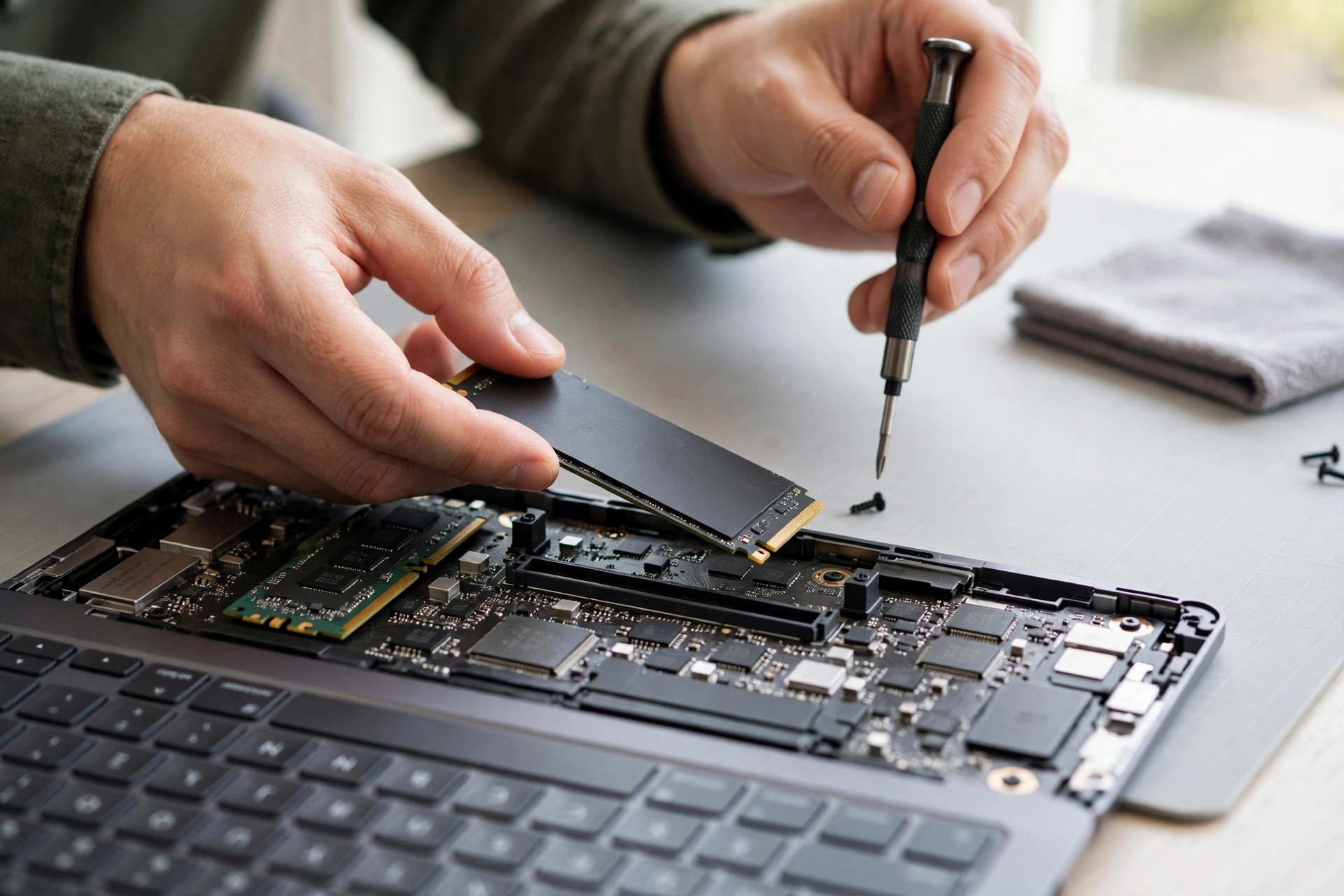
If your laptop takes several minutes to boot and then another few minutes before you can actually use it, the most likely culprit is the hard drive. Laptops with old spinning hard drives get slower every year as files pile up. An SSD upgrade is the single biggest speed fix there is — boot times can drop from minutes to seconds, and it costs far less than a new laptop.
2. The fan runs constantly and the laptop feels hot
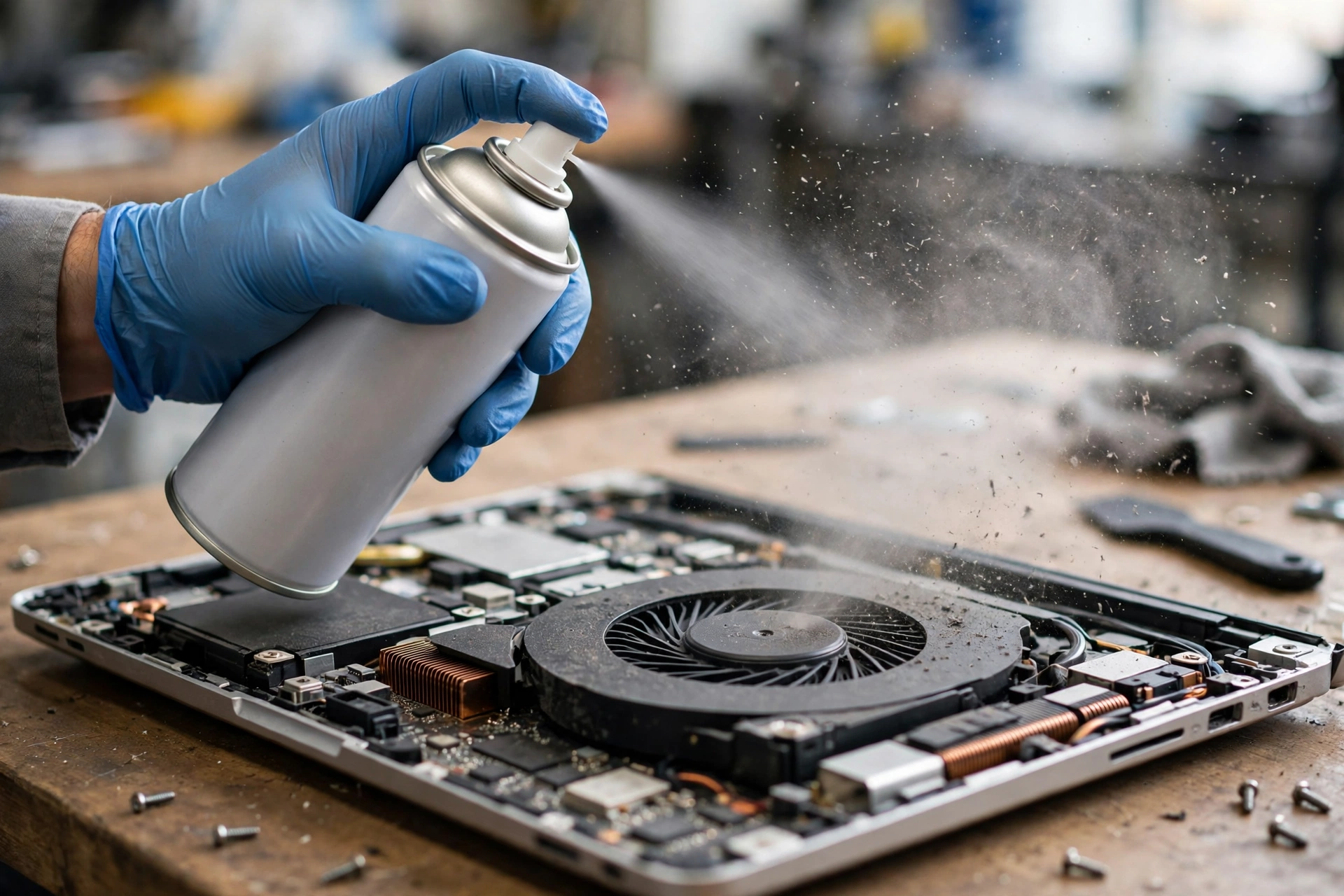
A fan that never stops and a laptop that’s hot to the touch usually means dust-clogged vents and a dried-out thermal paste. The processor slows itself down to survive the heat, which is why everything feels sluggish. A professional clean and fresh thermal paste can bring a hot, slow laptop back to normal — and Anchorage’s dry, dusty indoor air in winter makes this worse than in most places.
3. Programs freeze or crash for no reason
Random freezes and crashes point to either failing memory (RAM) or a dying hard drive. Both are replaceable. A failing drive is urgent, though — if your laptop is freezing and making clicking sounds, back up your files immediately and bring it in. Every hour of use on a dying drive makes data recovery harder.
4. You keep running out of storage
A hard drive that’s nearly full slows everything down — the system has no room to work. If you’re constantly deleting files to make space, a larger SSD solves two problems at once: more storage and much faster speeds. It’s one of the best-value upgrades a laptop can get.
5. The battery dies in an hour or less
A laptop battery that used to last all day and now dies in an hour is worn out, not a sign the whole laptop is finished. Laptop batteries are replaceable, and a new one is far cheaper than a new machine. If the laptop works fine plugged in but dies unplugged, it’s the battery — full stop.
6. Pop-ups, redirects, and strange programs
If your browser keeps redirecting, pop-ups appear out of nowhere, or programs you never installed show up on the desktop, you likely have malware. A virus or malware infection can slow a laptop to a crawl while it runs in the background. Professional virus removal cleans the infection and checks that your files and accounts are safe.
7. It can’t keep up — but only with one thing
If the laptop is fine for browsing and documents but struggles with one specific thing — video editing, a game, a heavy program — it may just need more RAM. Extra memory is a cheap upgrade that makes multitasking smooth again, and it takes less than an hour to install.
When it really is time to replace
Repair isn’t always the answer. Replace the laptop when the motherboard is dead, the machine can’t run the software you need anymore, or several of the problems above are happening at once on a very old machine. A good technician will tell you honestly when a repair isn’t worth it — and that honesty is worth more than any sale.
The repair math
The rule is simple: if the fix costs less than about half of what the laptop is worth today, and it still does everything you need, repair it. An SSD upgrade and a clean that gives a laptop two more years beats a new machine at four times the price. Most common laptop repairs — SSD and RAM upgrades, virus removal, battery swaps, fan cleaning — are usually done within a day once parts are in stock.
FAQ
How do I know if it’s the hard drive or the RAM?
A slow boot and slow file opening usually means the drive. Freezing when many programs are open usually means RAM. A proper diagnosis finds the real cause before any money is spent.
Can you save my files if the laptop is dying?
In most cases, yes — data recovery is part of many repairs. But bring it in as soon as possible: every hour of use on a failing drive makes recovery harder.
Do you fix MacBooks too?
Yes — MacBook screen, battery, and storage repairs, alongside Windows laptop and desktop repairs.
Is it worth upgrading a 5-year-old laptop?
Often yes, if it still runs the software you need. An SSD and RAM upgrade can make a five-year-old laptop feel new. If it can’t run current software, replacement makes more sense.
Get a free diagnosis
Call (907) 727-6662 for a free diagnosis, or book online — Cell Geeks Anchorage offers free pickup and delivery anywhere in Anchorage, so your laptop can be checked and fixed without a trip to the shop.