
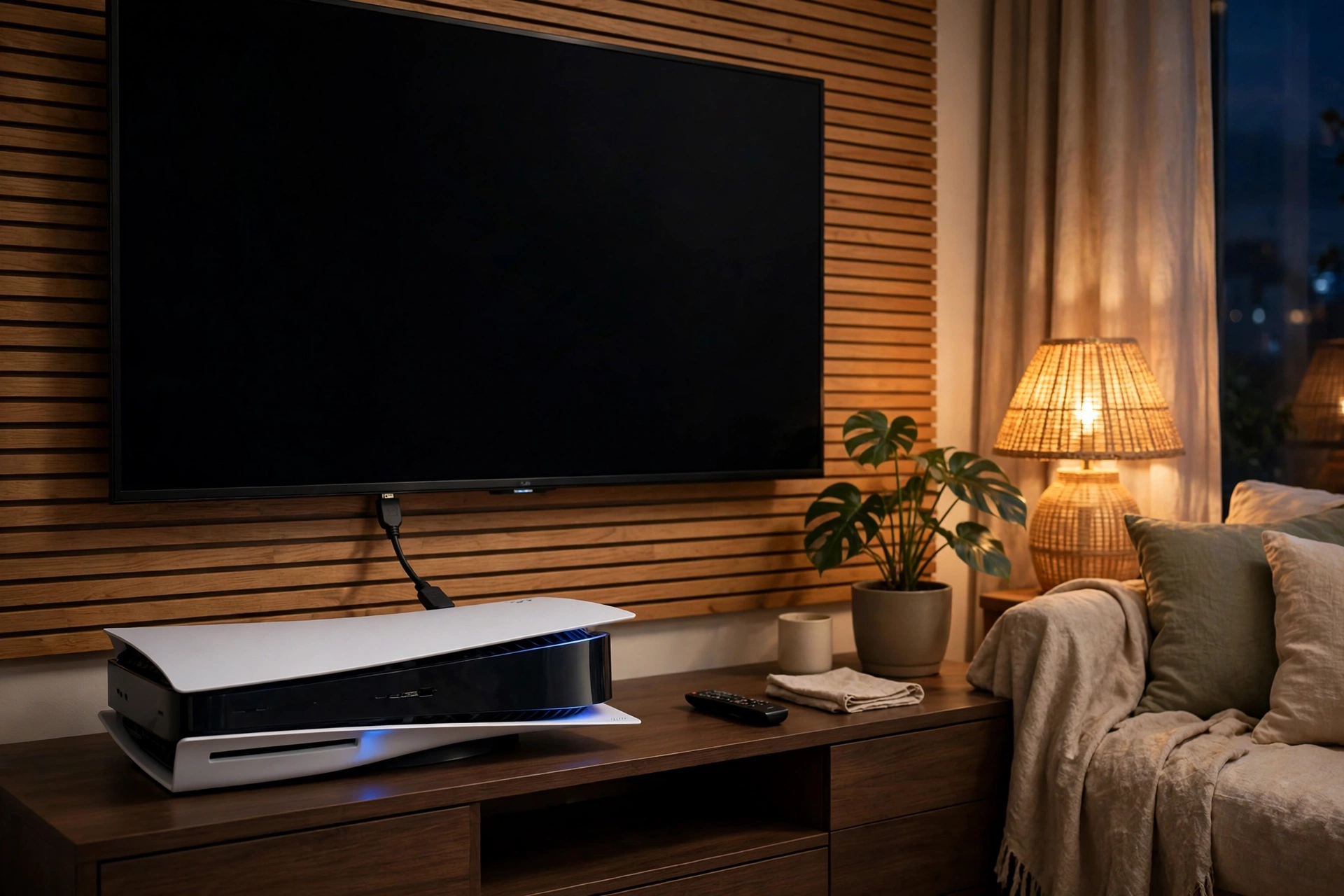
You turn on the PS5, the TV says “No Signal,” and the game you were about to play is nowhere. Before you blame the TV or the cable, there’s one likely culprit: the HDMI port. It’s the most common PS5 failure there is — and it’s fixable. Here’s how to tell, what causes it, and what the repair involves.
How to tell it’s the HDMI port
- “No Signal” on every input. If the TV shows no signal and the PS5’s light is on, the console is running but the picture isn’t reaching the TV.
- The picture cuts in and out. A flickering picture, or a signal that comes and goes when the cable moves, points to a loose or damaged port.
- The cable feels loose. If the HDMI cable wobbles in the port or falls out easily, the port’s pins or solder joints are worn or cracked.
- Bent or broken pins inside the port. Look inside the PS5’s HDMI port with a light. Bent or missing pins mean the port itself is damaged.
- It works with a different cable — sometimes. A new cable can help briefly if the old one was also damaged, but if the problem comes back, the port is the issue.
If the TV works fine with another device on the same input, the TV is not the problem — the console is.
Why HDMI ports break
The PS5’s HDMI port is soldered to the board with small pins, and it takes all the force when the cable is bumped, pulled, or tripped over. The most common cause is simple: someone trips on the cable, the console gets knocked, or the cable is yanked while the console is on a shelf edge. Each bump cracks the solder joints a little more, until one day the connection fails completely. Kids, pets, and tight TV cabinets make it worse — and a console that gets moved around a lot wears the port out faster.
What the repair involves
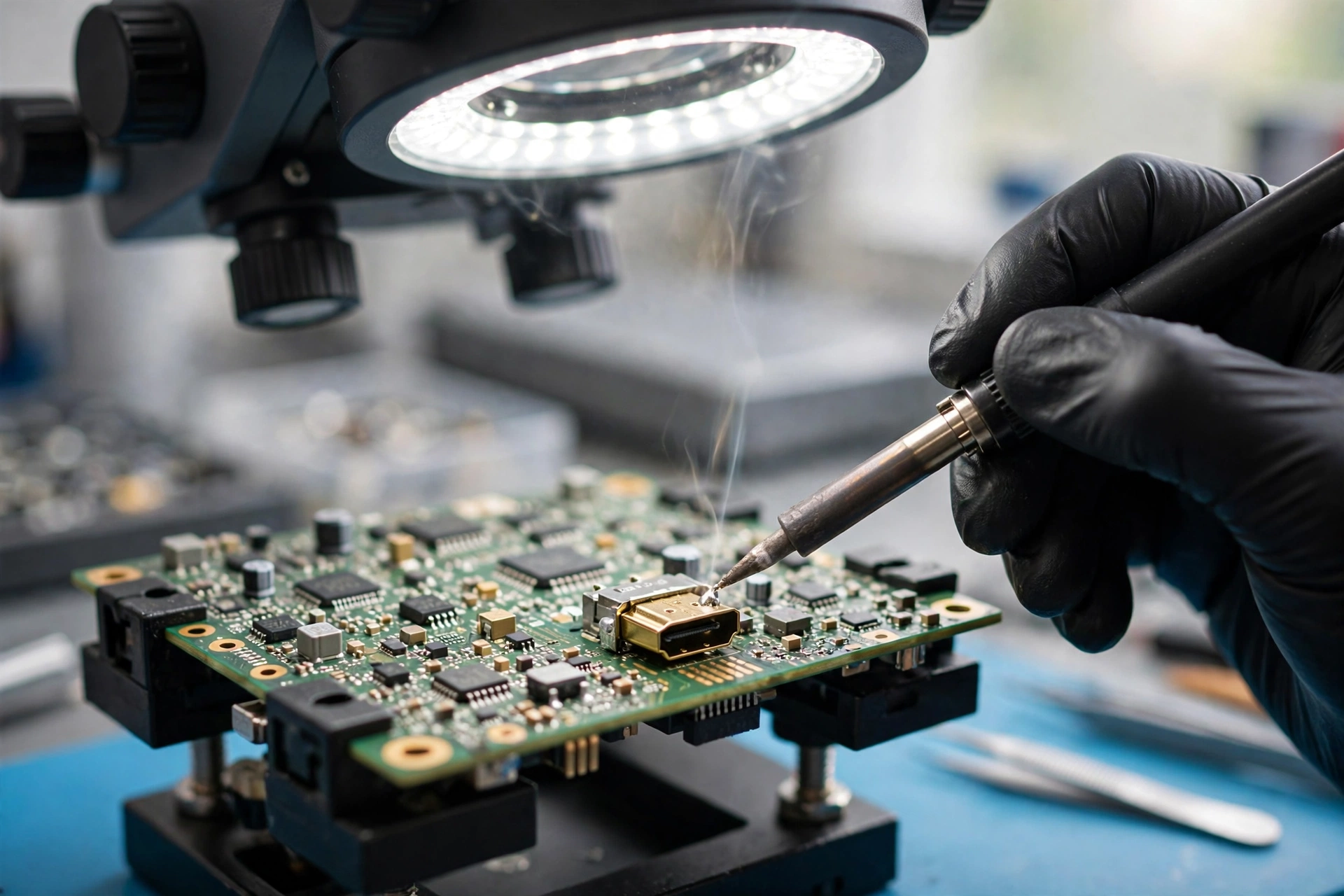
An HDMI port repair is a micro-soldering job, not a plug-and-play swap. Here’s what a proper repair looks like:
- Diagnosis first. The technician confirms the port is the problem — not the cable, the TV, or the board — by testing with known-good cables and displays.
- Port removal. The damaged port is carefully removed from the board with specialist soldering equipment. This is delicate work: the board around the port is easily damaged by the wrong tools or too much heat.
- New port, properly soldered. A new HDMI port is fitted and soldered pin by pin, with each joint checked under magnification.
- Testing before handover. The console is connected to a TV and run through a game to confirm the picture is stable — including wiggling the cable gently to make sure the connection holds.
A proper HDMI port repair usually takes 30 to 45 minutes of bench time once the console is in the shop, plus testing.
What not to do
Don’t keep forcing the cable in, wiggling it hard, or propping it up with something to get a picture. That bends the pins further and can damage the board around the port, turning a simple port swap into a board repair. Don’t try to fix it yourself with a household soldering iron — the pins are too small and the board too delicate. And don’t buy a cheap “HDMI repair kit” online; the port needs proper micro-soldering equipment and experience.
How to stop it happening again
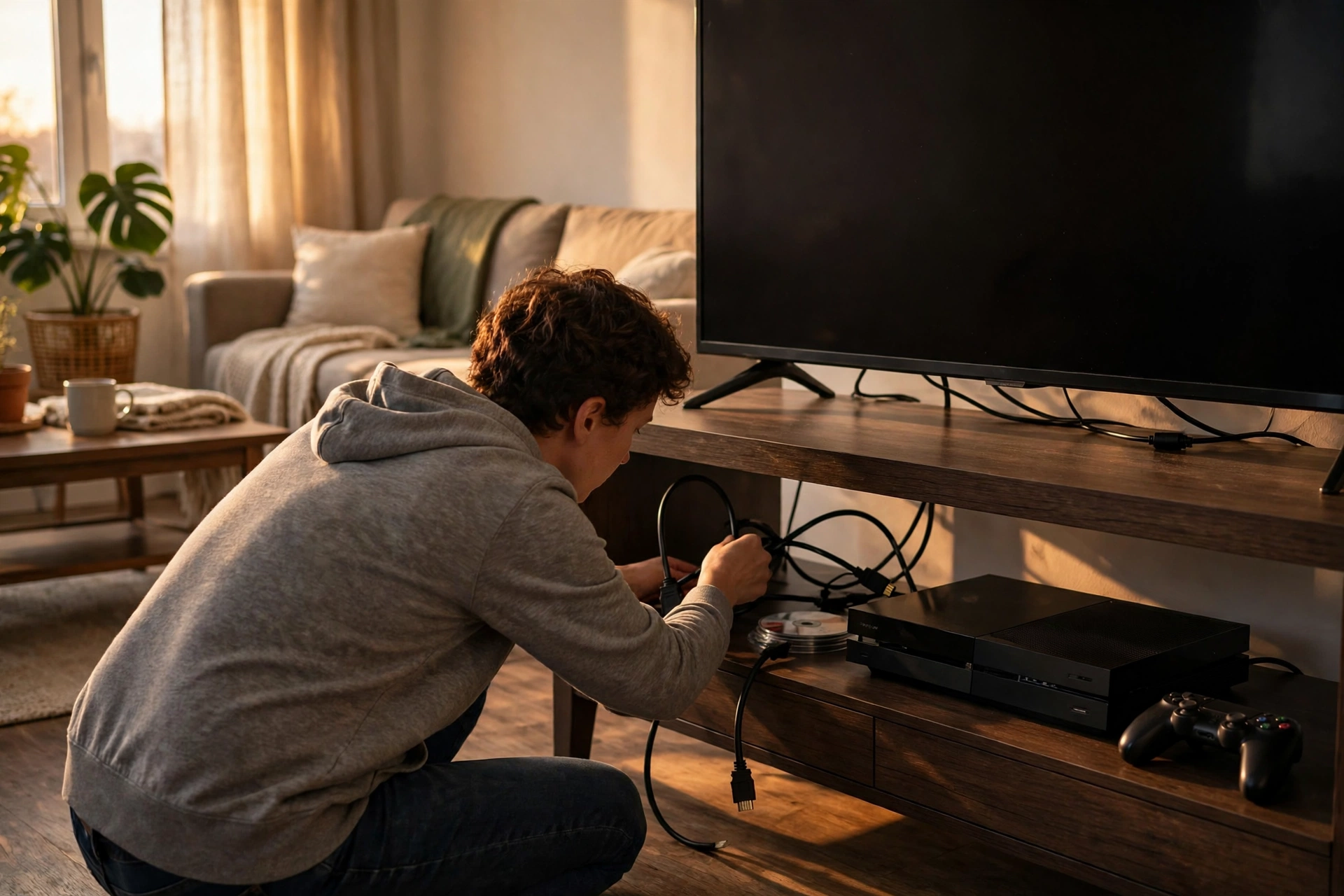
- Give the cable slack. The cable should never pull tight on the port. Leave a loose loop behind the console.
- Keep the console where it won’t be knocked. A stable shelf, away from walkways and where pets and kids can’t reach the cable.
- Use a cable with a snug fit. A loose, worn cable wobbles in the port and wears it out. Replace cables that feel sloppy.
- Don’t move the console while it’s plugged in. Unplug the HDMI cable before moving the PS5, every time.
FAQ
How long does an HDMI port repair take?
Usually the same day once the console is in the shop — around 30 to 45 minutes of bench time plus testing.
Will the repair last?
Yes, when done properly with a new port and good solder joints. The port is as strong as the original — as long as the cable isn’t yanked again.
My PS5 turns on but there’s no picture at all — is it definitely the HDMI port?
Not always. It can also be the cable, the TV input, or a board fault. A proper diagnosis checks each one before any repair is quoted.
Can a damaged HDMI port damage my TV?
No — a bad port just stops sending a signal. It won’t harm the TV.
Book your repair
Call (907) 727-6662 for a free quote, or book online — Cell Geeks Anchorage offers free pickup and delivery anywhere in Anchorage, so your console can be repaired and returned without a trip to the shop.